Interactive TikTok Live version
Your viewers guess the song from the tiniest clip, straight from the chat: leaderboards, the wheel, gifts and the points bank. Runs on your PC, connects to your TikTok Live - nothing to install for your viewers.
Download Hookline.zipWindows · free · includes everything, even the runtime - nothing else to install
1 Get the game
Download Hookline.zip with the button above, then find it in your Downloads folder.
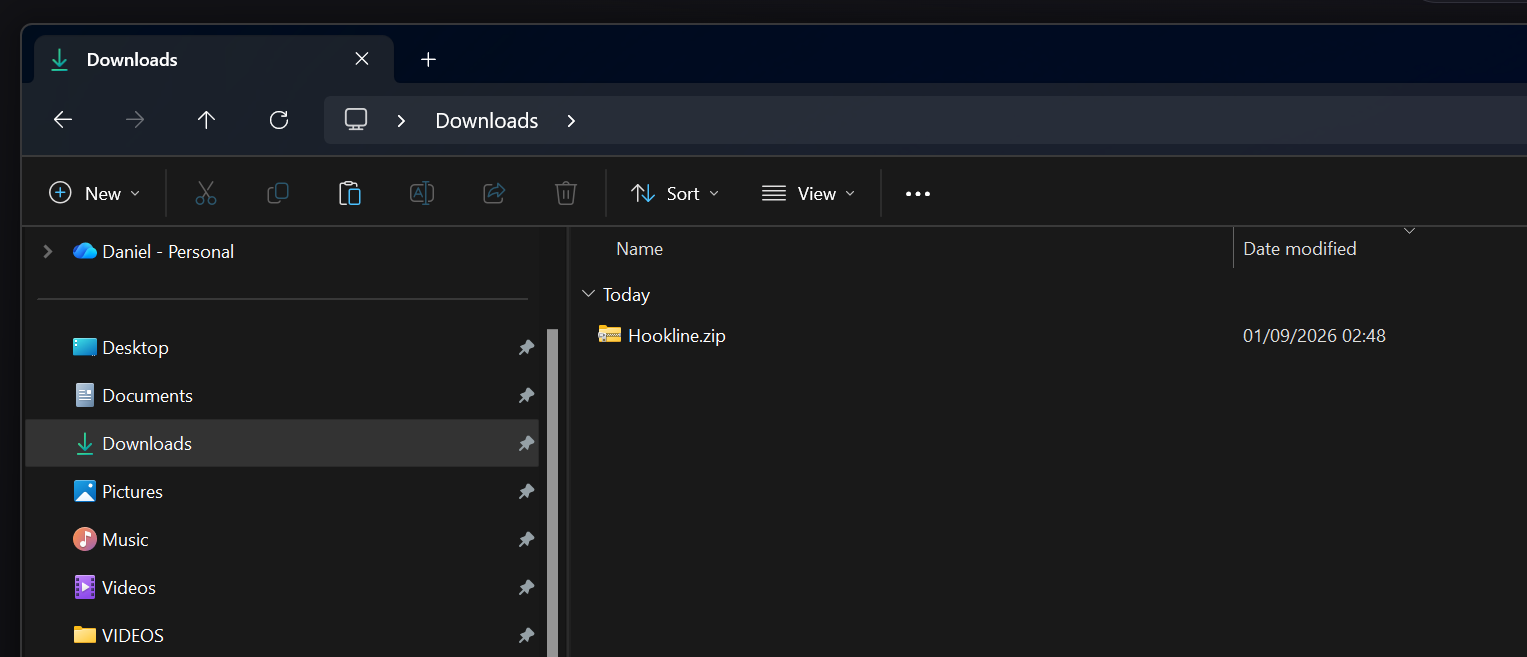
Right-click the zip and choose Cut.
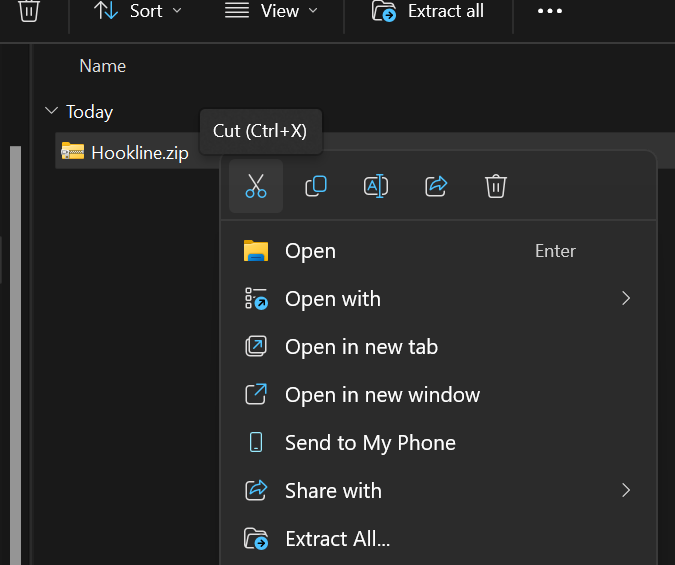
Create a new folder somewhere sensible - Documents or Desktop both work nicely.
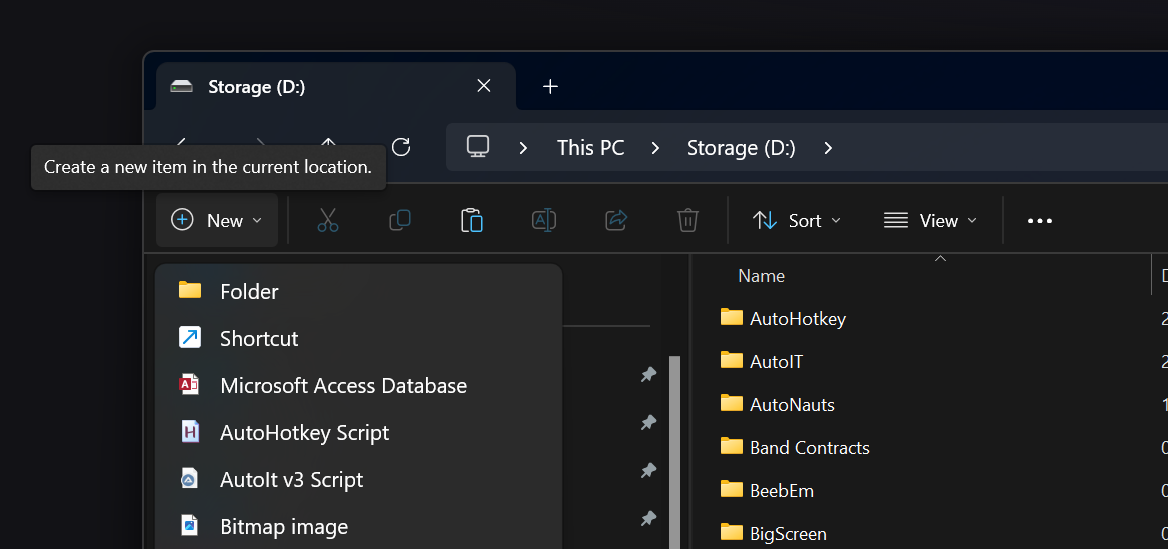
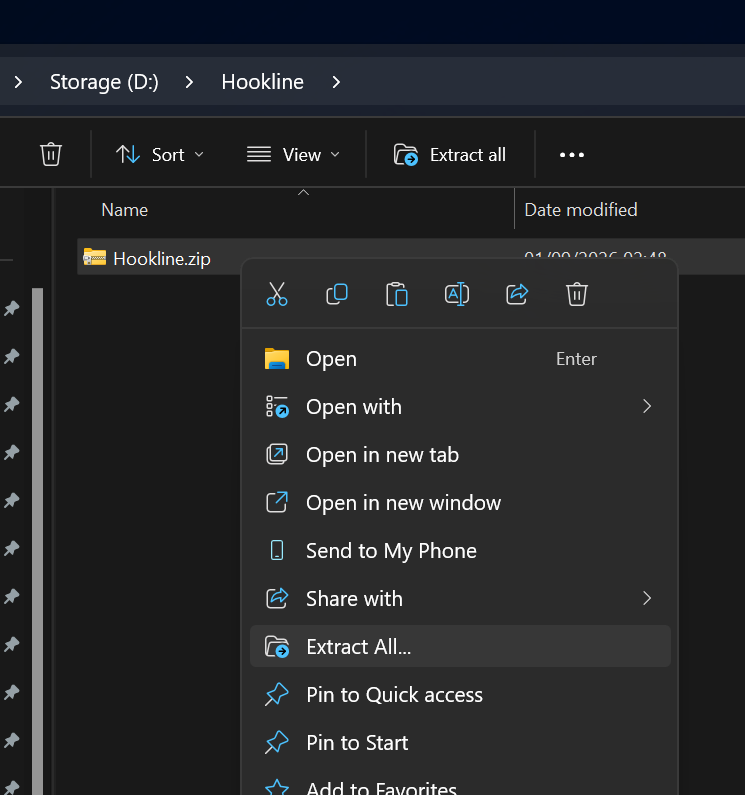
Paste the zip into your new folder, click it once to select it, then right-click and choose Extract All…
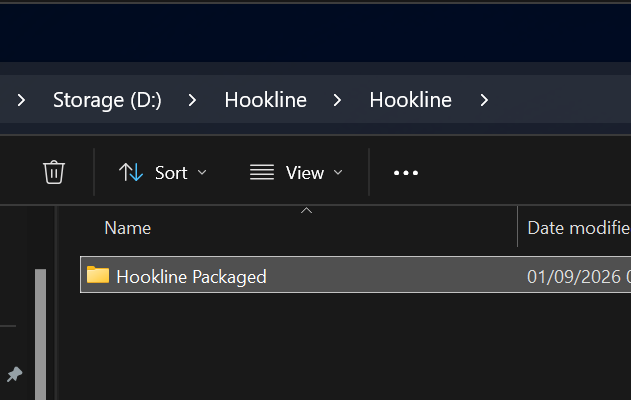
Open the extracted Hookline Packaged folder.
2 Launch it
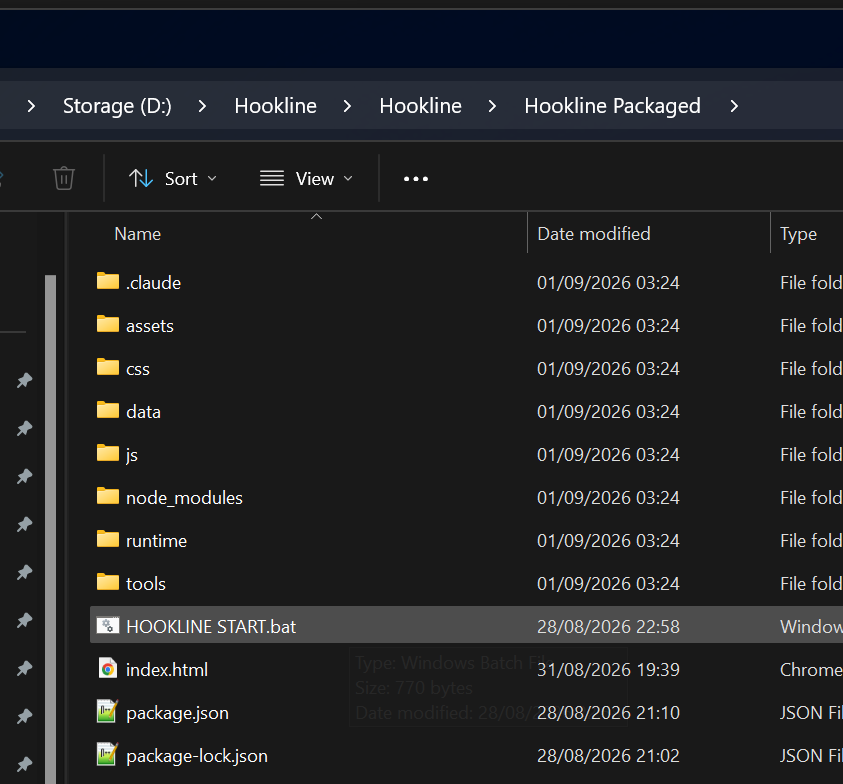
Double-click HOOKLINE START.bat. The game opens in your browser.
Blocked by your security settings? No problem - use the alternative launch below.
Alternative launch (if Windows blocks the one-click file)
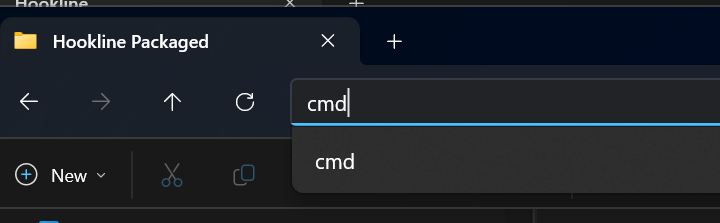
Click the address bar at the top of the folder window (the empty space to the right of the folder path).

Type cmd and press Enter - a terminal opens already pointed at the right folder.
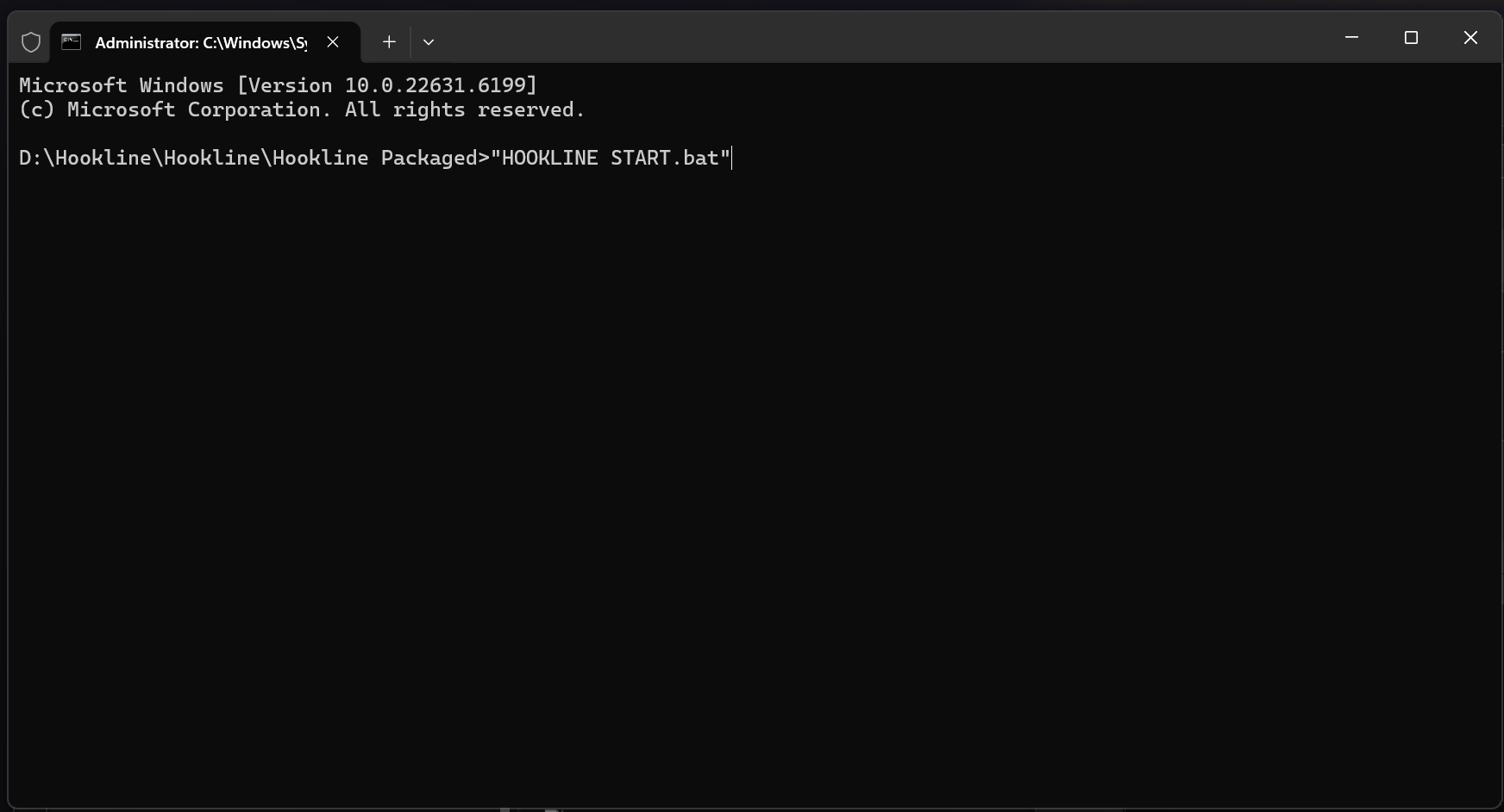
Type hook…
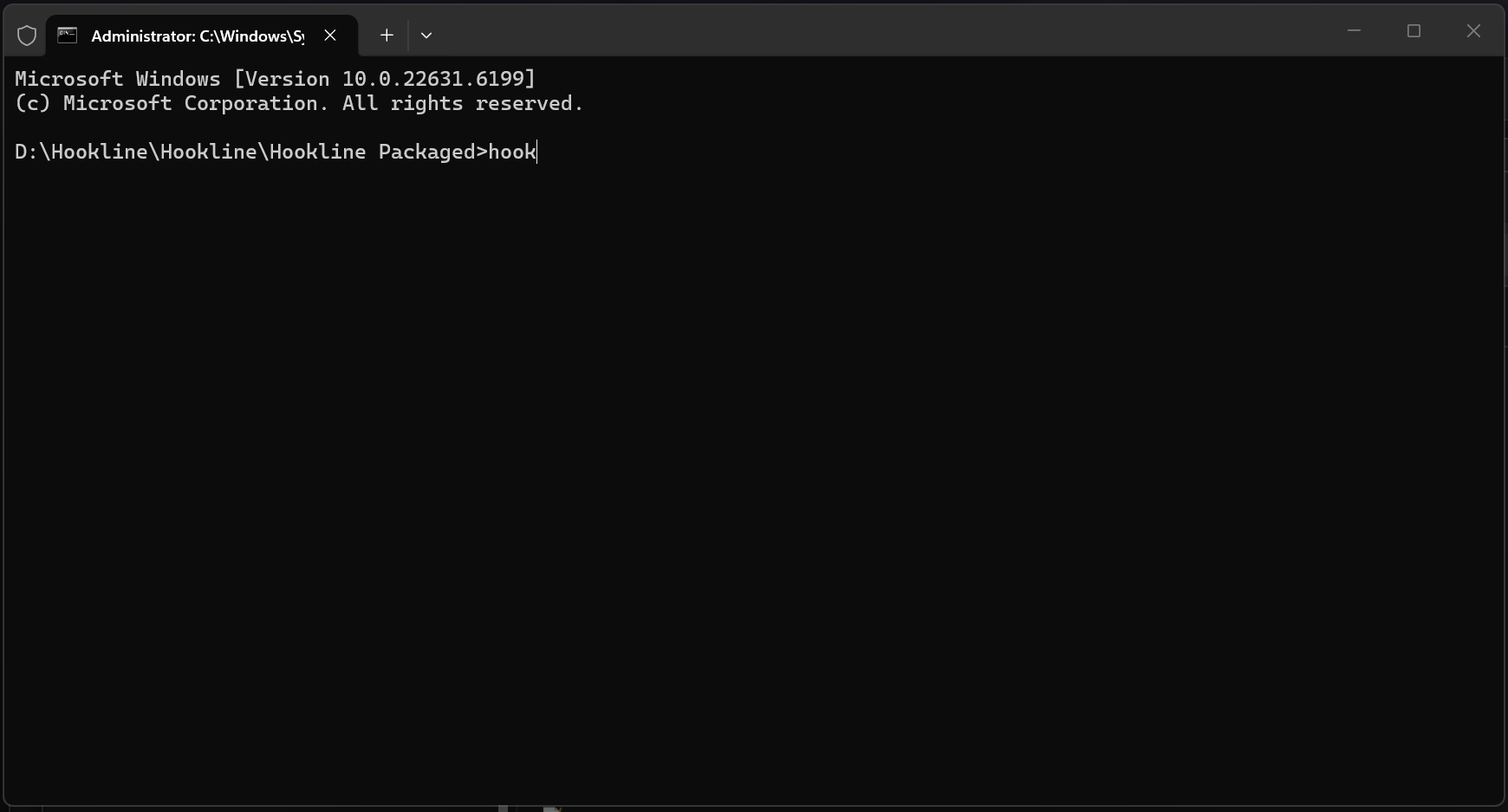
…press Tab to autocomplete the full name, then press Enter. Same result, no security prompt.
3 Go live
Start your stream in TikTok Live Studio, then enter your username in Hookline with the @ in front and press Connect. That's it - you're connected to your viewers and their guesses count.
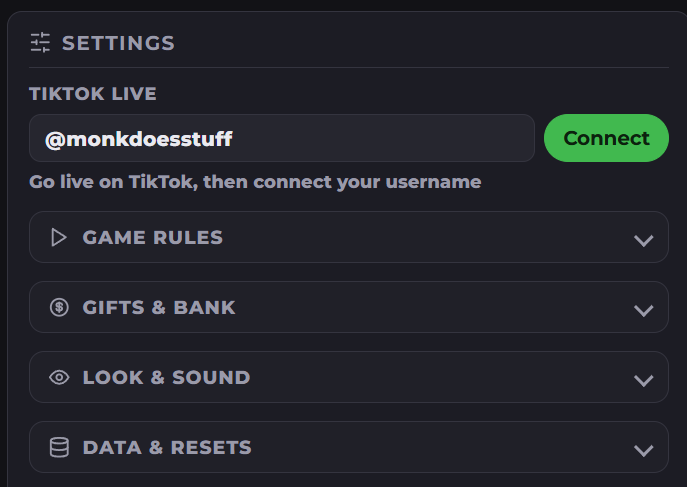
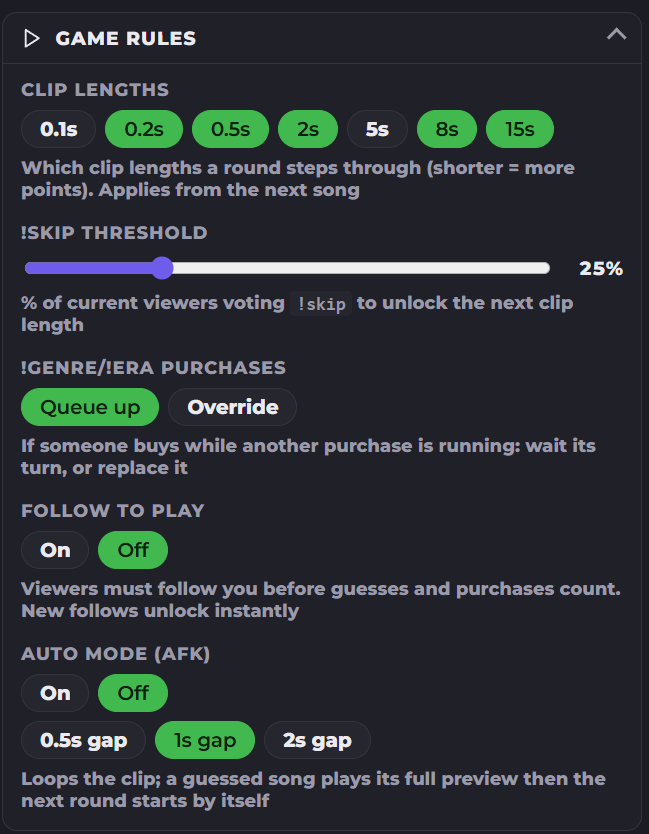
Adjust the game rules to taste - rounds, difficulty, genres, eras.
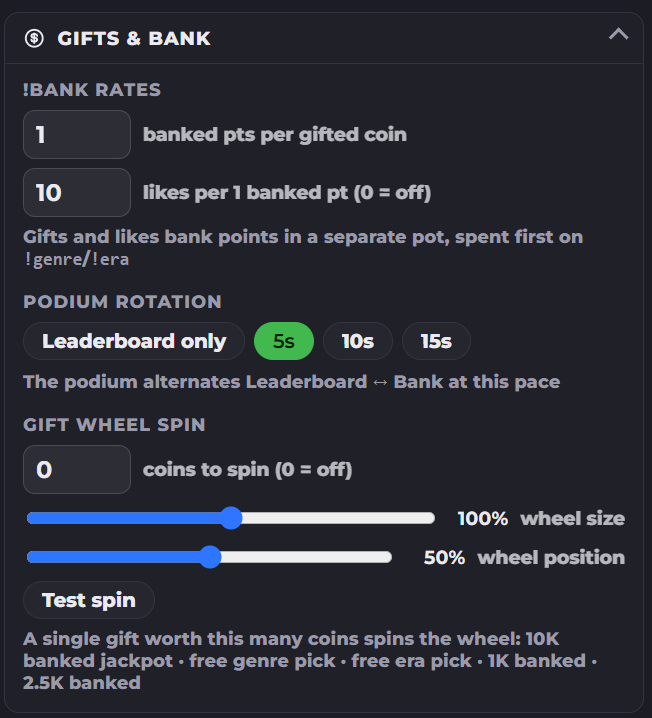
Adjust the gifts and bank settings if you want gifts and likes paying into the points bank.
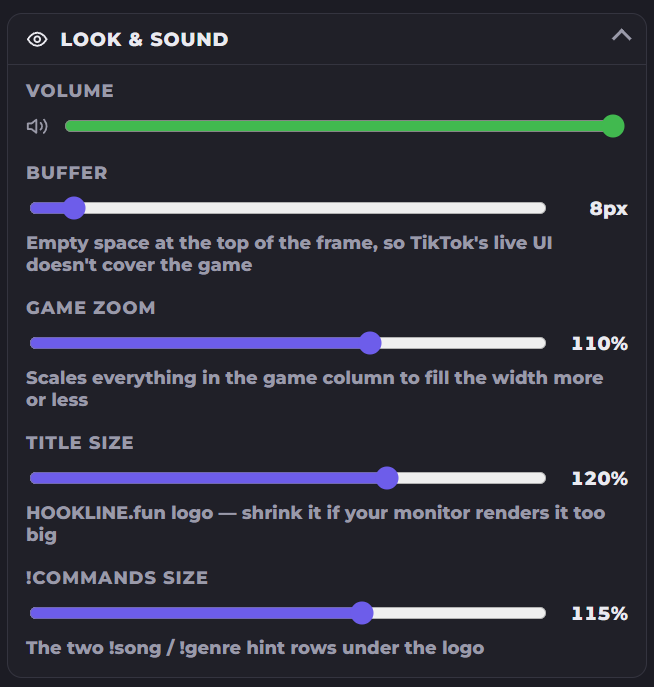
Adjust the look and sound to fit your display - the layout is built for the 9:16 portrait ratio your viewers see.
Press F11 in your browser to go fullscreen. Happy streaming!